How to play
Phantom Blade drops you into a compact arcade challenge where every round takes a few minutes — ideal for a short break on phone or desktop.
- Hit Play now — the game loads right here on this page.
- Read the short instructions on the first screen, then press start.
- Use the mouse or tap the screen to move and make your choices.
- Chase your best score; each new round reshuffles the board so it never feels stale.
Tips for new players
New players should take the first few rounds slowly. Watch for repeating patterns — in Phantom Blade those patterns usually hint at the next move. If you get stuck, restart the board; there is no penalty and nothing to wait for.
Why play on 7piq: Every game on 7piq, including Phantom Blade, runs entirely in the browser on HTML5. There is no file to download, nothing to install and no account to create. The page itself is kept lightweight so it opens quickly on a mobile connection.
Similar games
 Pinball
 T-Rex Dino Runner
 Stickman Escape
 Neon Dash
 Beat Battle
 Doodle Jump
 Helix Jump
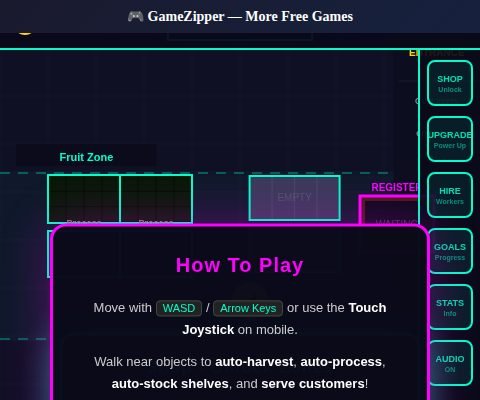 Monkey Mart
Frequently asked questions
Is Phantom Blade free to play?
Yes. Phantom Blade is completely free on 7piq, with no time limit and no sign-up.
Can I play Phantom Blade on my phone?
Yes. Phantom Blade supports touch controls, so it works on phones and tablets as well as desktop.
Do I need to download anything?
No. The game streams straight into your browser over HTML5, so there is nothing to download.